🔎 The file contains a boot string "zeroBoot v1.0 for 1506F". The rest of the file is packed or encrypted, so its feature list was not checked from the file itself and comes from the uploader's description and the screenshots.
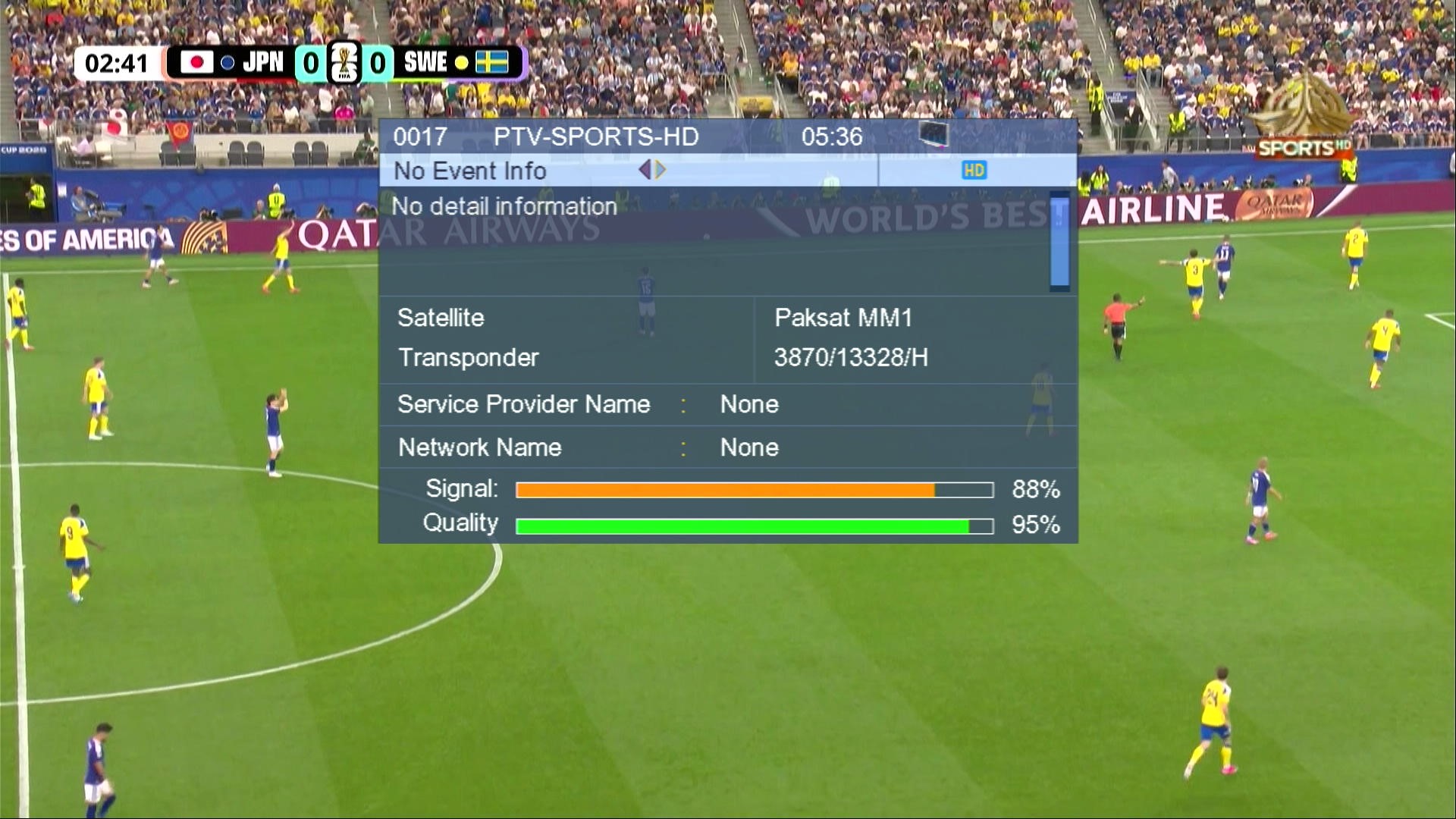
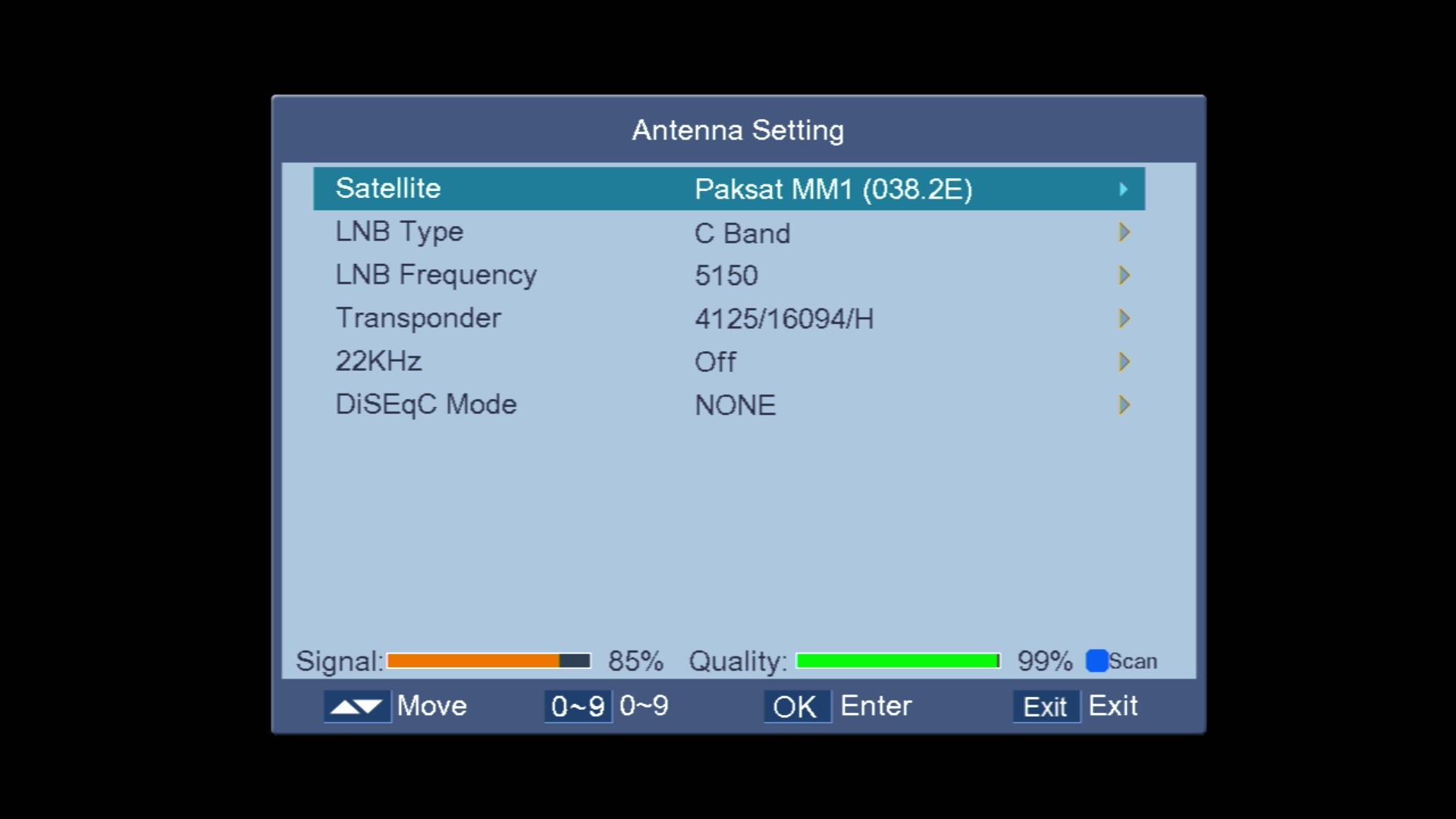
⭐ 1506T New Software 2026PTV Sports HD working • DSCAM • BISS Key • Paksat MM1 C-Band • RT-5370 WiFi • 3G • E-Vision IPTV & VOD
Sunplus 1506T 4MB Normal WiFi PTV Sports OK Software with Nashare Option – Add BISS Key with 0 Button
🚀 Sunplus 1506T 4MB Normal WiFi — PTV Sports OK, Nashare Option & BISS Key with 0 Button
Sunplus 1506T 4MB Normal WiFi software with PTV Sports working, the Nashare option and a direct BISS Key add using the 0 button, plus a Patch option in the Multi Media menu.
✨ What's New
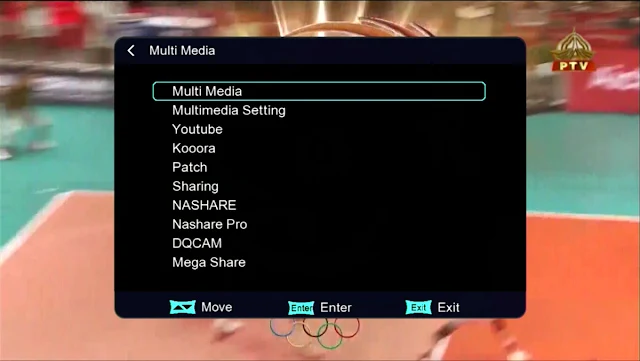
🧩Patch Option — available in the Multi Media menu
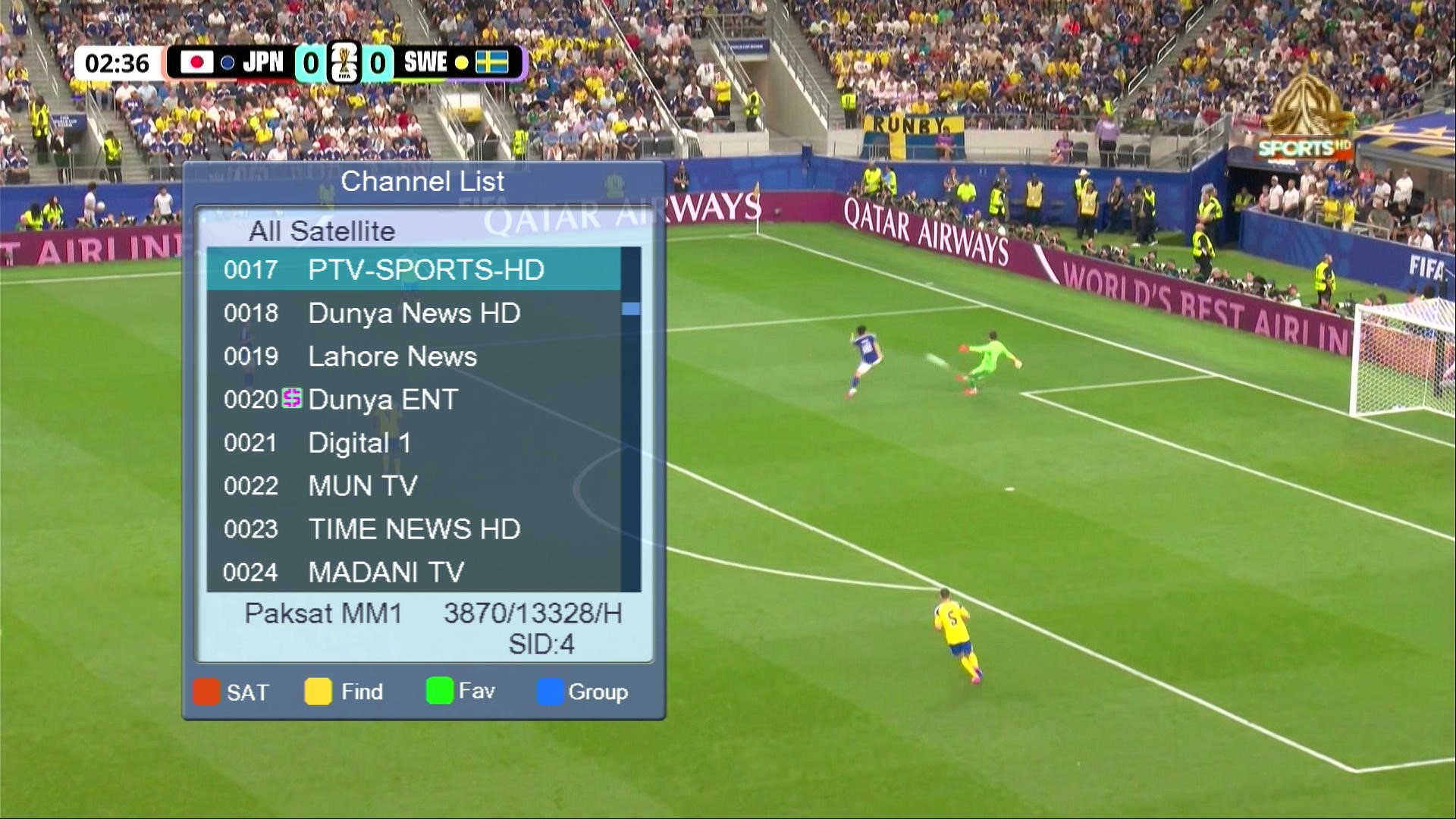
🏏PTV Sports OK
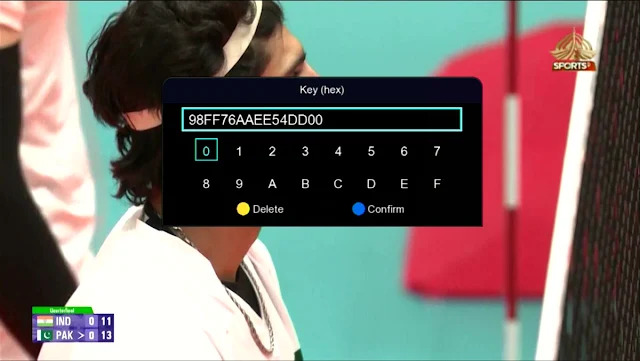
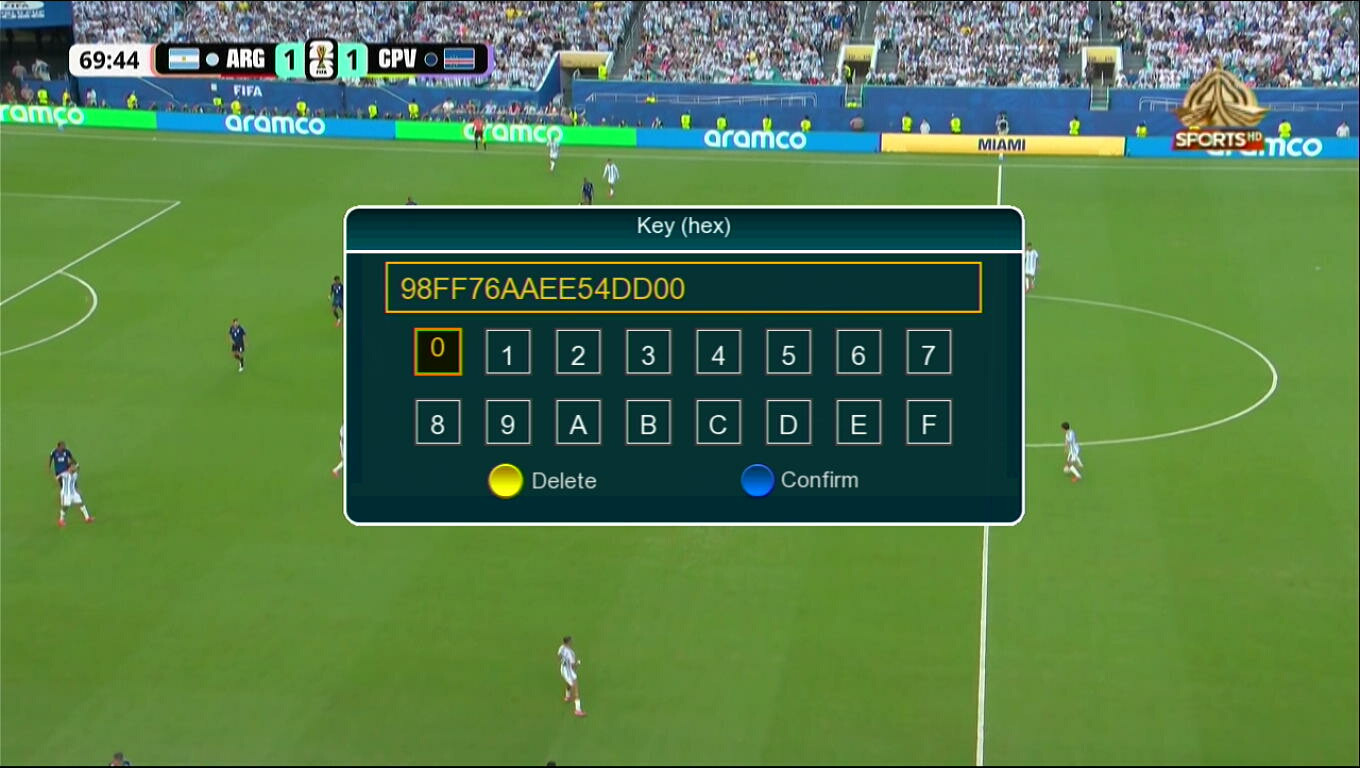
🔑Add BISS Key with 0 Button
🔗Nashare Option — Nashare and Nashare Pro, with screenshot proof
📺Watch TV Comedies
🔢Press 1506 on the Multimedia Option
📶WiFi RT-5370
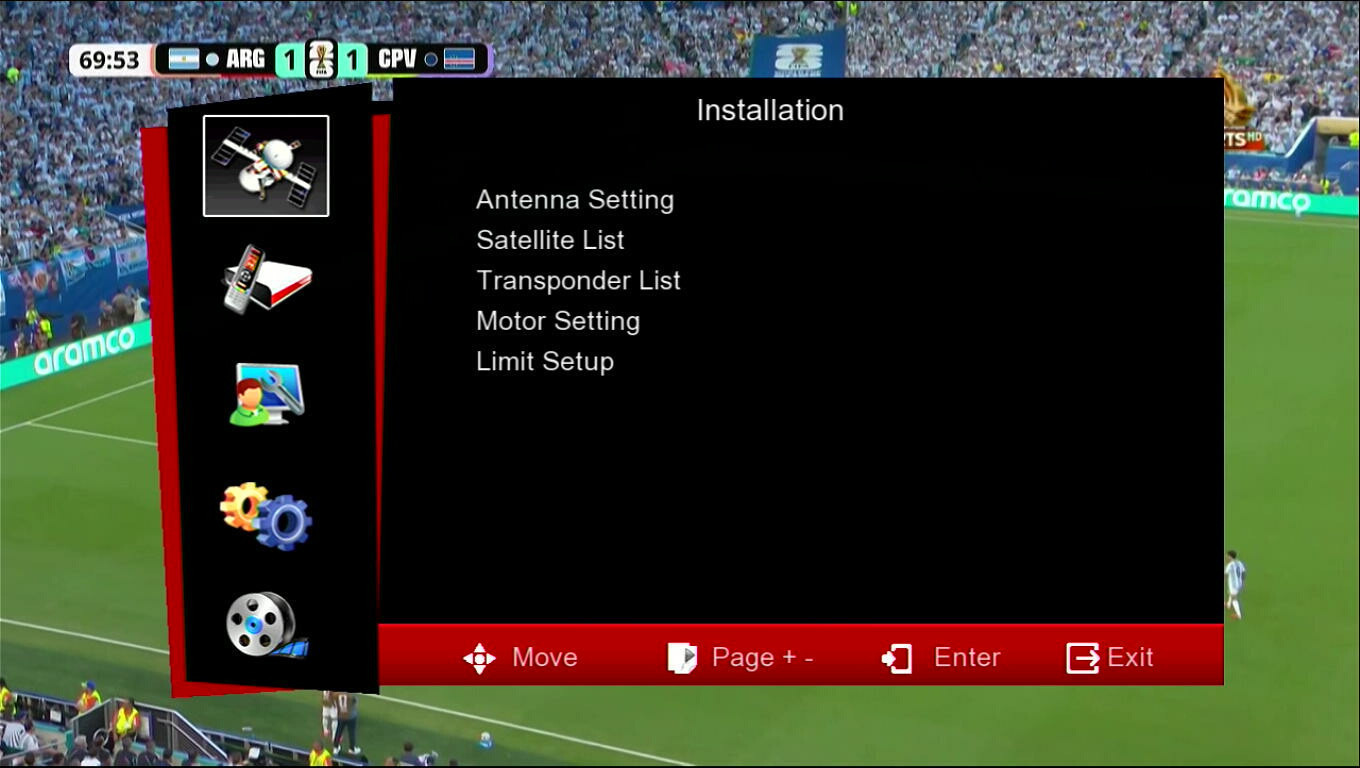
🛠 Multi Media Menu
▶️YouTube & Kooora apps
📡DQCAM
🔁Sharing & Mega Share
⚙️Multimedia Setting
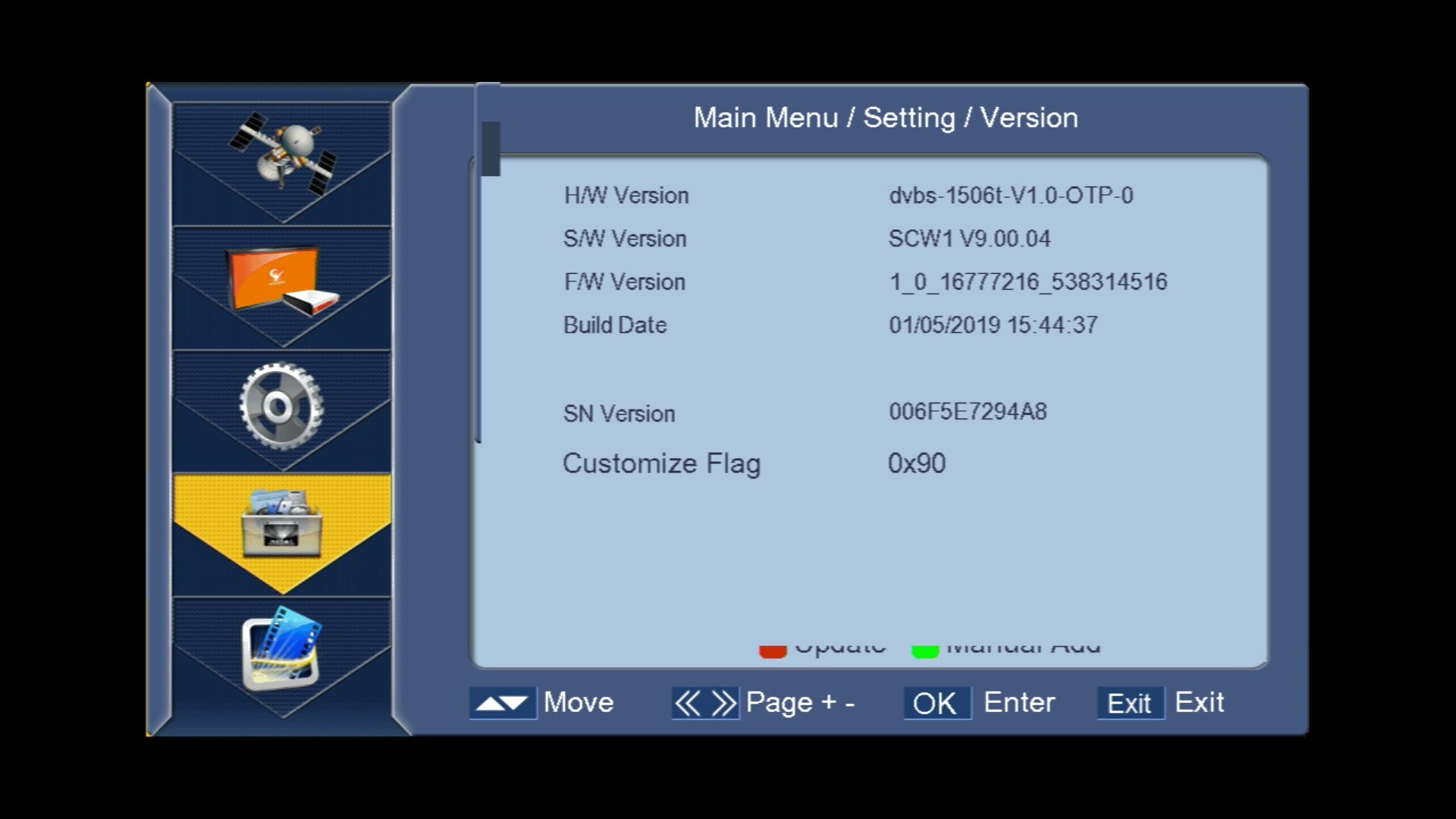
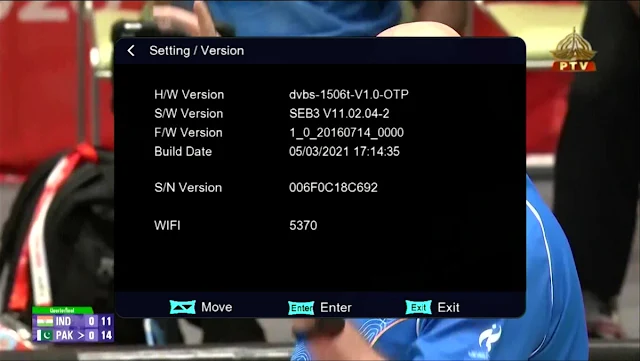
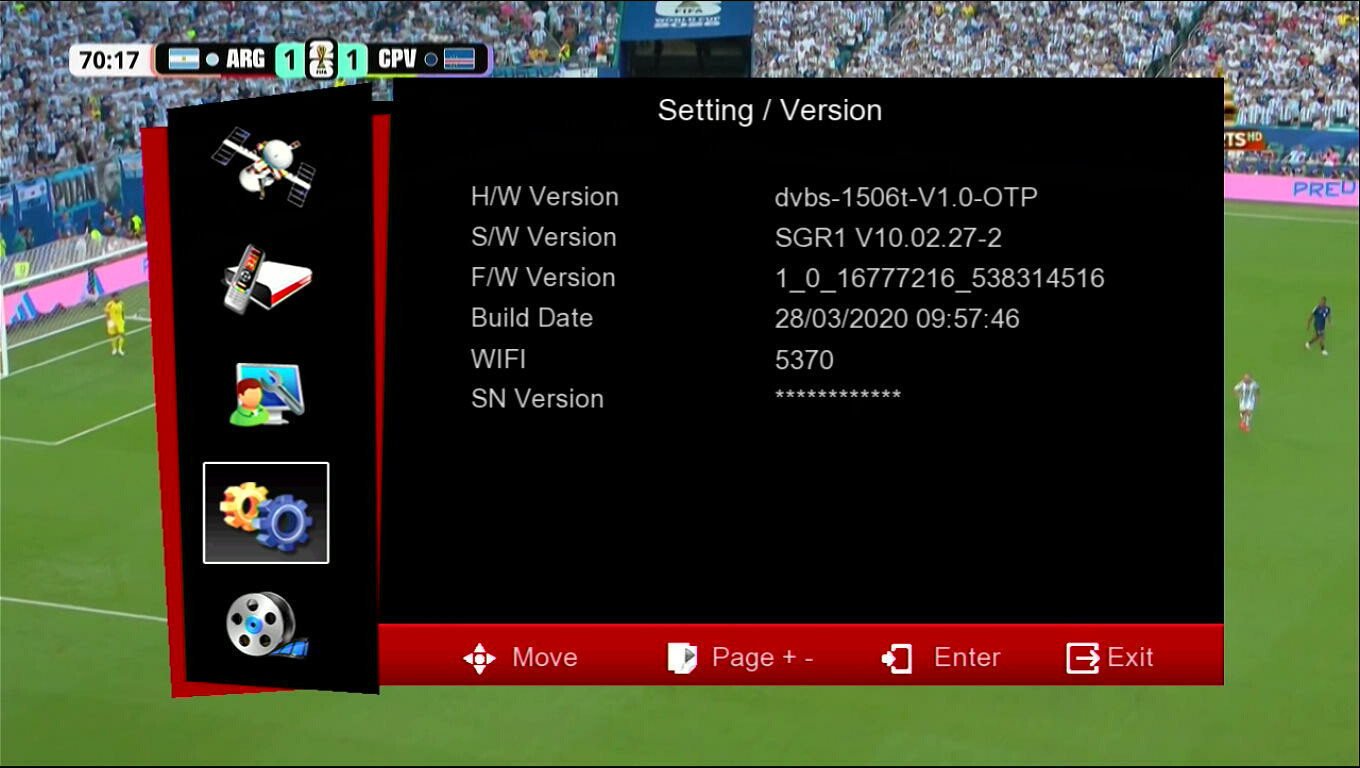
📋 Software Info
💾H/W Version: dvbs-1506t-V1.0-OTP
🆕S/W Version: SEB3 V11.02.04-2
🗓️Build Date: 05/03/2021
⭐ Sunplus 1506T 4MB Normal WiFiPTV Sports OK • Nashare Option • BISS Key with 0 Button • Patch Option • WiFi RT-5370
Sunplus 1506T & 1506F 4MB Software working with PTV Sports & Direct 0 Button for Biss Key
🚀 Sunplus 1506T & 1506F 4MB — PTV Sports BISS Key OK with 0 Button
Sunplus 1506T & 1506F 4MB software with PTV Sports BISS Key OK and a direct 0 button option for adding the BISS key, plus a Patch menu and extra CAM and network options.
✨ What's New
🏏PTV Sports BISS Key OK
🔑Add BISS Key with 0 Button
🧩Patch Option — Patch, BISS & Nagravision CAS types
📶WiFi RT5370 & 3G Network (APN settings)
▶️YouTube & SatTube TV
📺IPTV & Xtream Login
🛠 Support
📡DQCAM & DSCAM ON/OFF
🔗CCcam, Newcamd/MgCam, XCAMD, AvatarCam & SKCAM
🔁Sharing Menu & Nashare ON/OFF
💾USB, OTA, PC & IRD Upgrade
🎮Games — Box Man, Tetris, Hit Rat, Sudoku, Go Bang & NES
📋 Software Info
💾H/W Version: dvbs-1506t-V1.0
📶WiFi: 5370
🆔Customer ID: 6F 52 1F 00 00 00
⭐ Sunplus 1506T & 1506F 4MBPTV Sports BISS Key OK • BISS Key with 0 Button • Patch Option • DQCAM & DSCAM • WiFi RT5370 • YouTube & IPTV
Check your exact model/version number on the panel or in the menu before updating. Installing the wrong firmware can brick your receiver — never power off during flashing.
How to update
Download the firmware file and copy it onto a USB drive formatted as FAT32.
Plug the USB into the receiver's port and open the Software Upgrade / USB Update option from the menu.
Select the correct file and start the update — do not power off during the process.
The receiver will restart automatically once the update completes.