CHIPSET: Gospell GX6605STYPE: HW203 boardSTATUS: ACTIVE
Latest firmware files for the GX6605S HW203 board revision, with channel list, EPG and network module updates.
FW / Available Versions
The files below are official / community-tested firmware versions. Match your exact model number before updating.
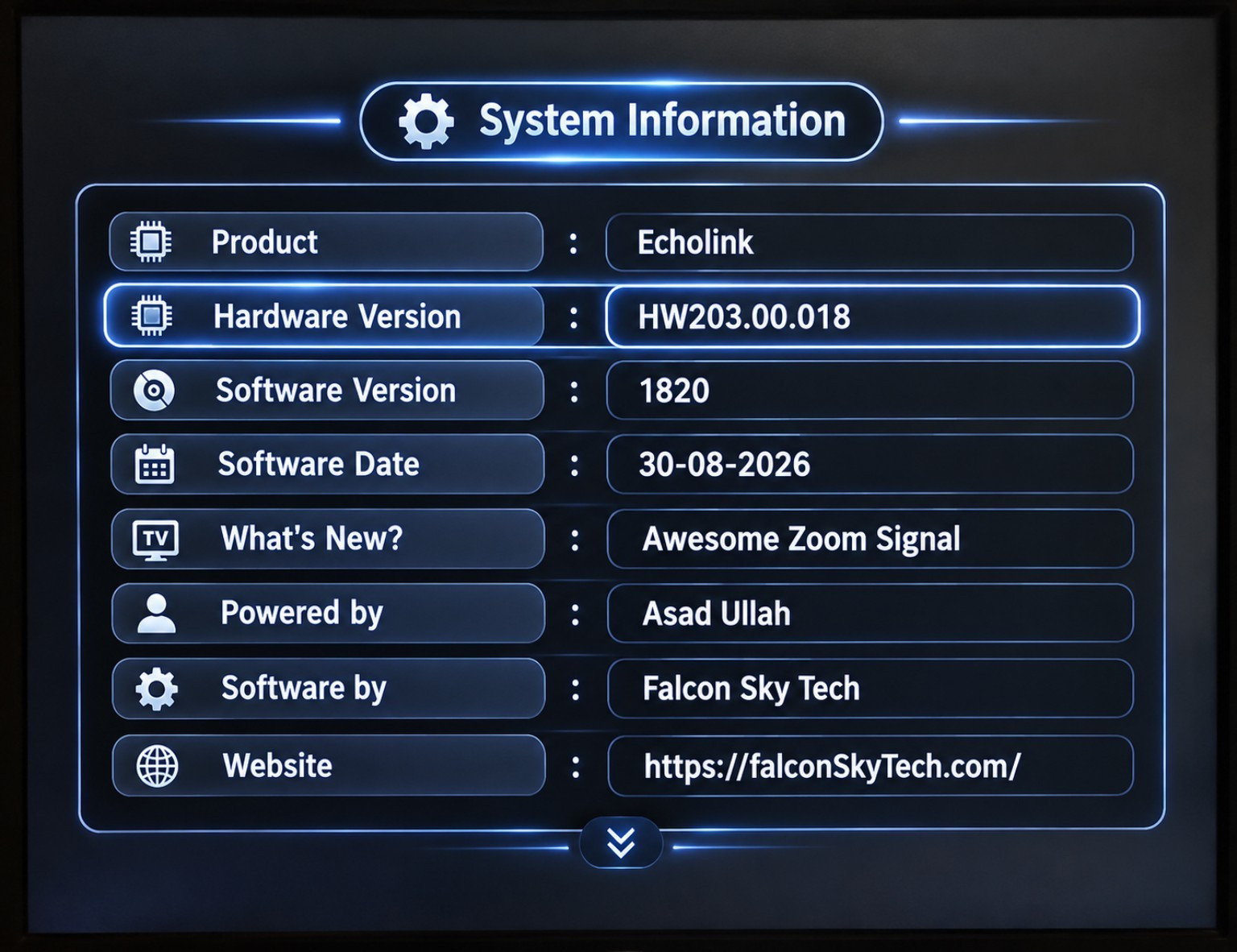
HW203.00.0182026-08-30
G6605S HW203 Software Awesome Zoom Signal Tested Working with PTV Sports and other standard Channels
🚀 GX6605S HW203 – All Versions
Experience a smooth, stylish and feature-packed performance with the GX6605S HW203 All Versions. This version comes with an attractive interface, enhanced signal tools and useful features for an improved satellite receiver experience.
✨ Key Features
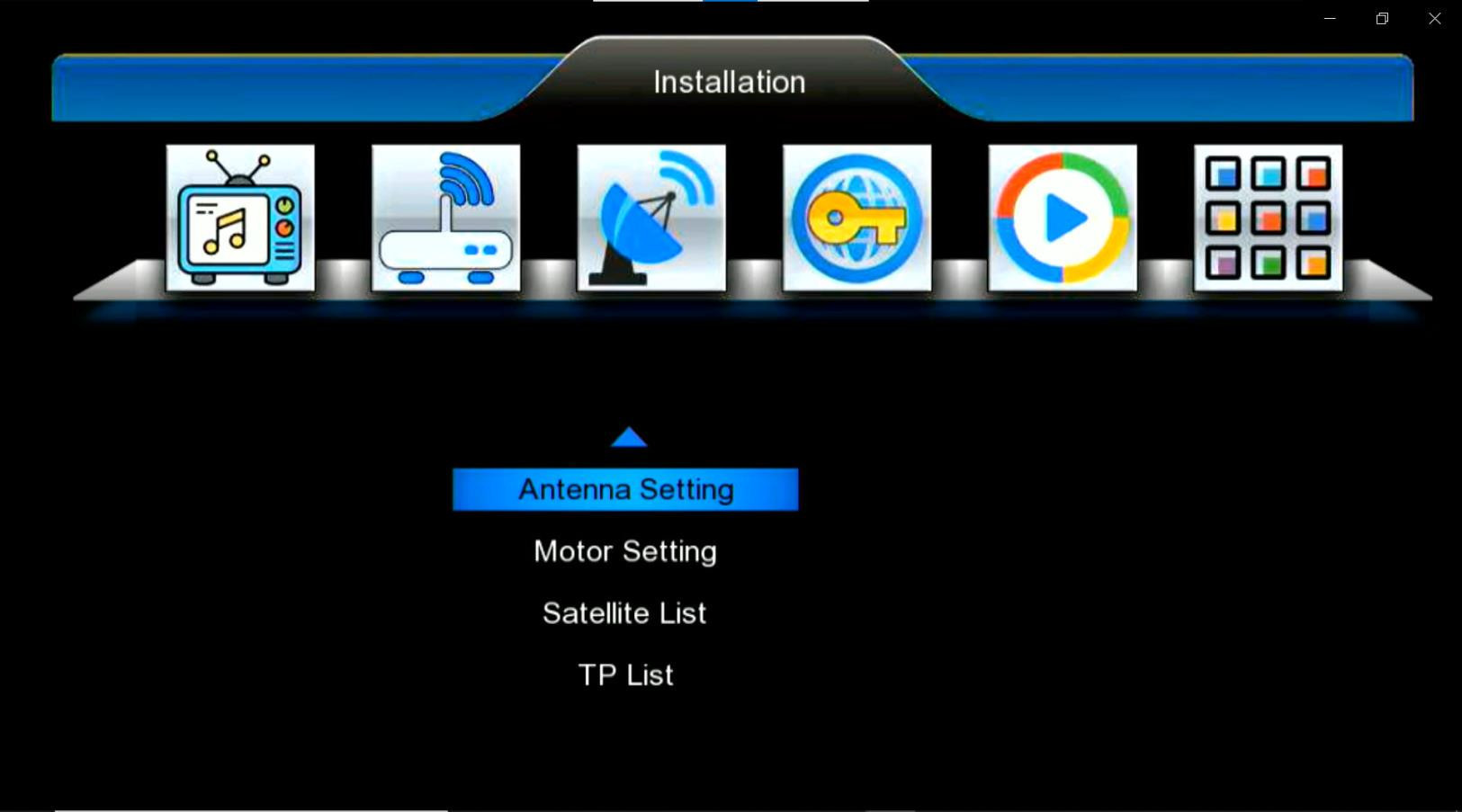
🎨Beautiful & User-Friendly Menu — Clean and attractive interface for easy navigation.
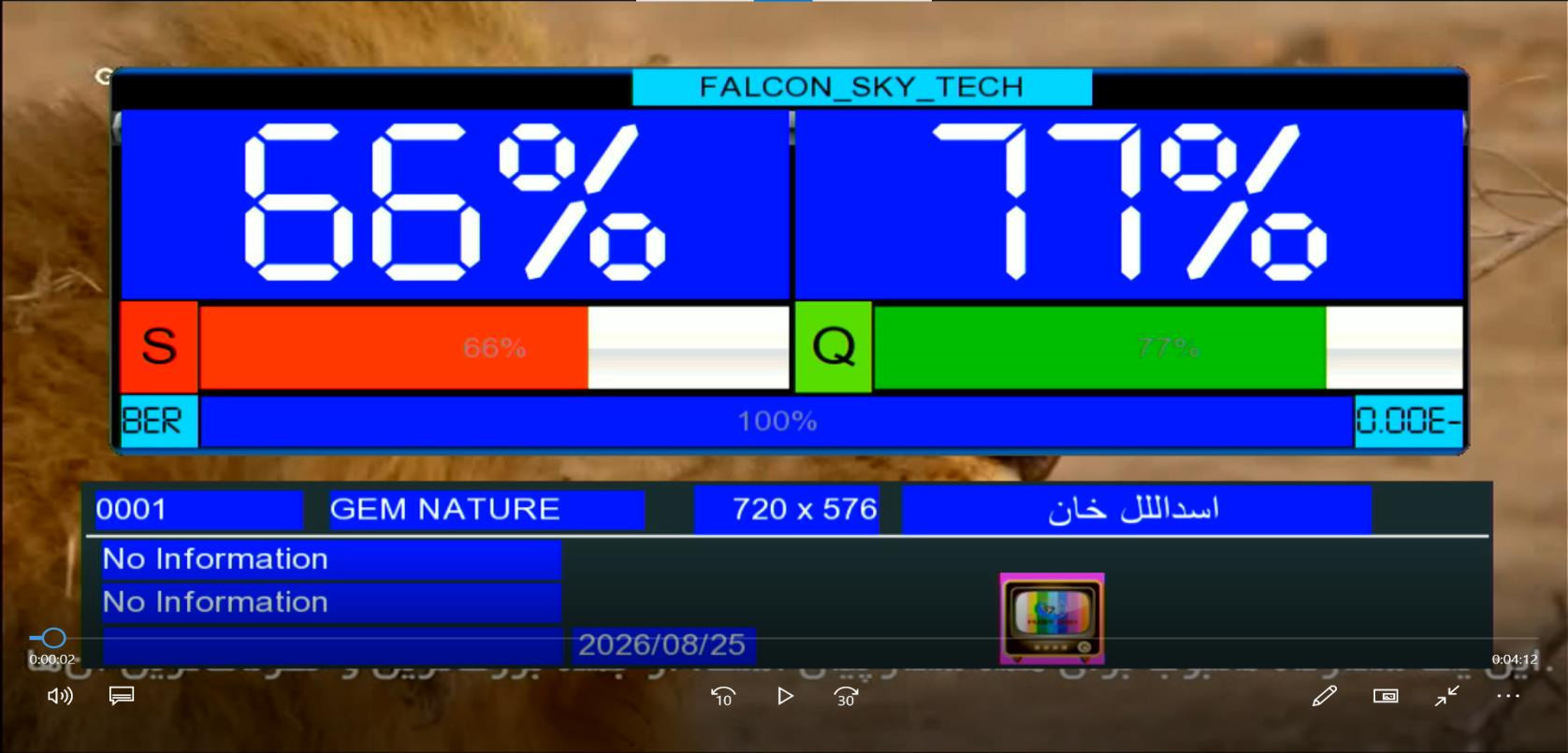
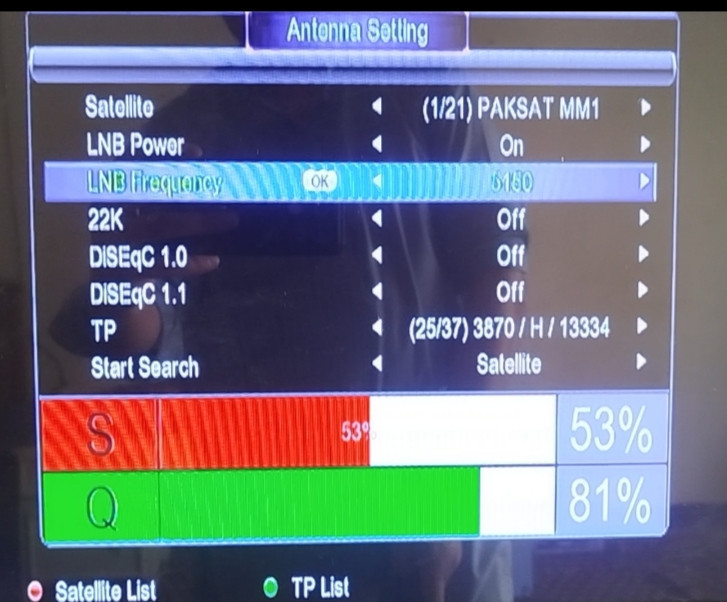
📡Antenna Setting with Zoom Signal — Large and clear signal display for easier dish alignment.
🔍Awesome Big Zoom Signal — Improved visual signal monitoring while setting your antenna.
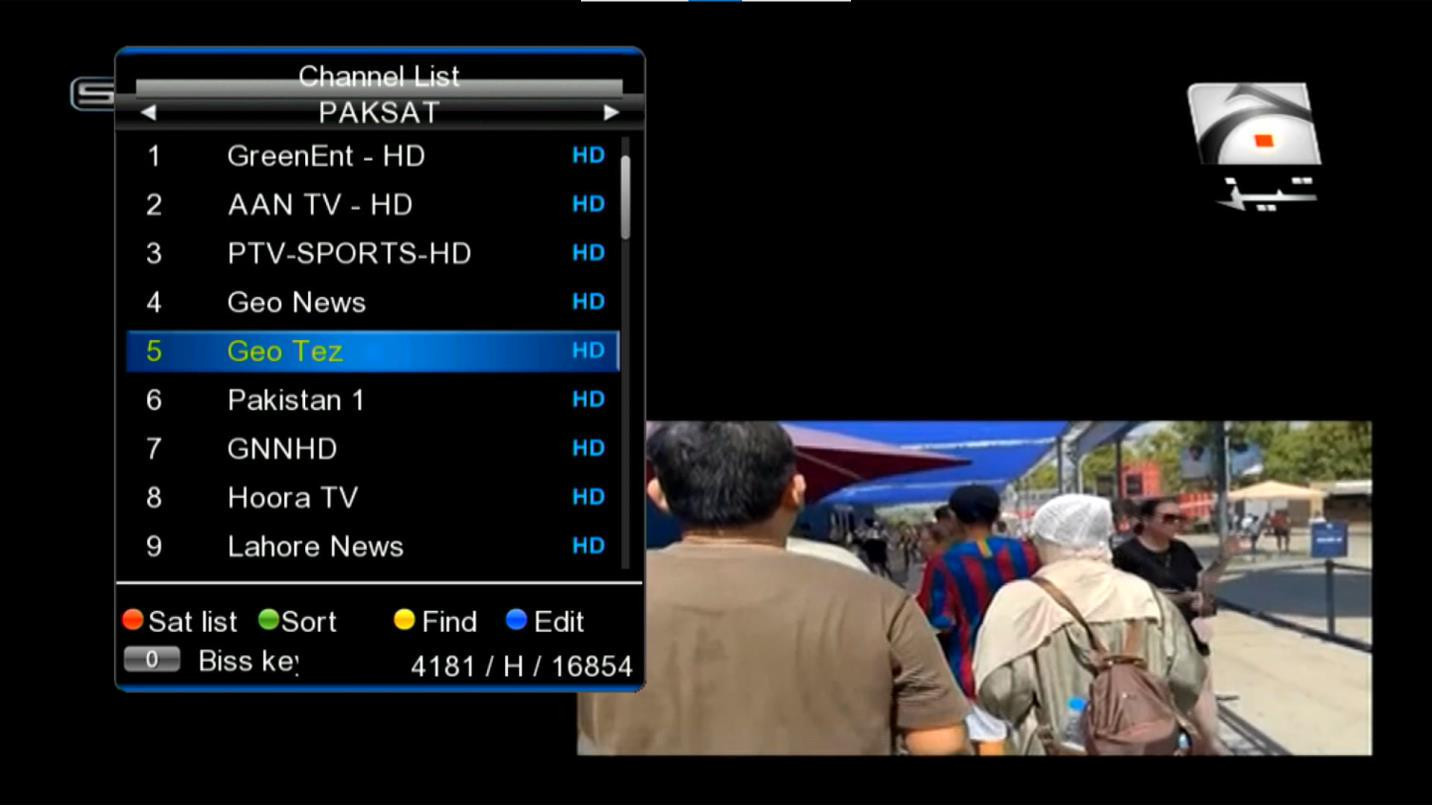
🔢Direct 0 Button BISS Key Option — Quick access to the BISS Key option using the 0 button.
📶WiFi Catcher Support — Compatible with MT-7601 WiFi adapter.
🏏PTV Sports — Fine working and optimized performance.
⚡Smooth & Fast Operation — Responsive menu and comfortable navigation.
🛰️Enhanced Satellite Setup — Convenient options for scanning and configuring satellites.
🔧Stable Performance — Designed for reliable everyday receiver use.
📺Improved User Experience — Practical features combined with a modern and easy-to-use interface.
⭐ GX6605S HW203 All VersionsBeautiful Menu • Big Zoom Signal • Antenna Setting • Direct BISS Key • MT-7601 WiFi Support • PTV Sports • Smooth Performance
User Interface
Main menu
Channel list
Infobar
Antenna Setting
System Information
Download
Version
Date
Notes
HW203.00.018
2026-08-30
G6605S HW203 Software Awesome Zoom Signal Tested Working with PTV Sports and other standard Channels
Check your exact model/version number on the panel or in the menu before updating. Installing the wrong firmware can brick your receiver — never power off during flashing.
How to update
Download the firmware file and copy it onto a USB drive formatted as FAT32.
Plug the USB into the receiver's port and open the Software Upgrade / USB Update option from the menu.
Select the correct file and start the update — do not power off during the process.
The receiver will restart automatically once the update completes.